For restaurants and cafés across the GCC
QR Menu, Ordering & Payments for Restaurants in Qatar
Create a mobile-friendly restaurant menu, generate a QR code, update prices and availability instantly, and let guests browse, order and pay from their phone without downloading an app.
- English
- العربية
- Türkçe

What is MenuHub?
MenuHub is a digital menu and ordering platform for restaurants, cafés and food businesses in Qatar and the GCC. Restaurants create mobile-friendly menus in English, Arabic and Turkish, generate QR codes, update prices and item availability, and take orders and payments from guests' phones without an app. Staff run the same orders from a POS and a kitchen screen.
Create a digital menu in minutes
Add categories and dishes with descriptions, prices and options such as sizes and add-ons. Upload your logo and pick a brand colour, so guests see a menu that looks like your restaurant.
- Categories, dishes, sizes and add-ons
- Your logo and brand colour
- Several branches in one account
Update prices and availability instantly
Change a price or switch off a dish that has sold out, and the menu guests see changes straight away. Nothing to reprint or upload again.
- Edit prices at any time
- Hide sold-out items in one tap
- Bring them back when they are ready
One QR code, always up to date
Each restaurant and branch gets its own QR code. Download it as a printable image for tables, windows and takeaway bags. It opens your live menu, so you never replace it when the menu changes.
Order and pay from the table
Guests add dishes to a cart on the QR menu and send a table or takeaway order. When the restaurant turns on online payments, they pay through Tap in Qatari riyals. Orders arrive on your POS and kitchen screen.
- Card
- Apple Pay
- Google Pay
Menus in English, Arabic and Turkish
Guests pick their language on the menu, and Arabic is laid out right to left. Write a dish once and AI (Anthropic's Claude) drafts the other languages. Your staff review and approve each translation before guests see it.
- EnglishLentil soupWith lemon and toasted breadQR 18.00
- العربيةشوربة عدسمع الليمون والخبز المحمّصQR 18.00
- TürkçeMercimek çorbasıLimon ve kızarmış ekmekleQR 18.00
Also in MenuHub
Some features depend on your plan.
- A POS for staff: bills, split payments, discounts, cash and card, refunds, receipt printing and an offline mode
- A kitchen display screen
- Loyalty points and coupons
- A customer list (CRM)
- WhatsApp and SMS messages to customers who opted in
- Table reservations
- Analytics of dish views and menu languages
Why a digital menu instead of a PDF menu?
A PDF menu is a printed menu saved as a file. A digital menu is laid out for the phone and stays current.
| Task | PDF menu | MenuHub digital menu |
|---|---|---|
| Changing a price | PDF menu: Edit the file, export it and upload it again | MenuHub digital menu: Edit the price and the menu updates at once |
| A dish sells out | PDF menu: It stays on the menu until the next upload | MenuHub digital menu: Hide it in one tap |
| Reading on a phone | PDF menu: Pinch and zoom a printed page | MenuHub digital menu: Laid out for small screens |
| Languages | PDF menu: One file per language | MenuHub digital menu: English, Arabic and Turkish in one menu |
| Ordering and paying | PDF menu: Guests wait for a waiter | MenuHub digital menu: Guests order and pay from the menu, when you turn it on |
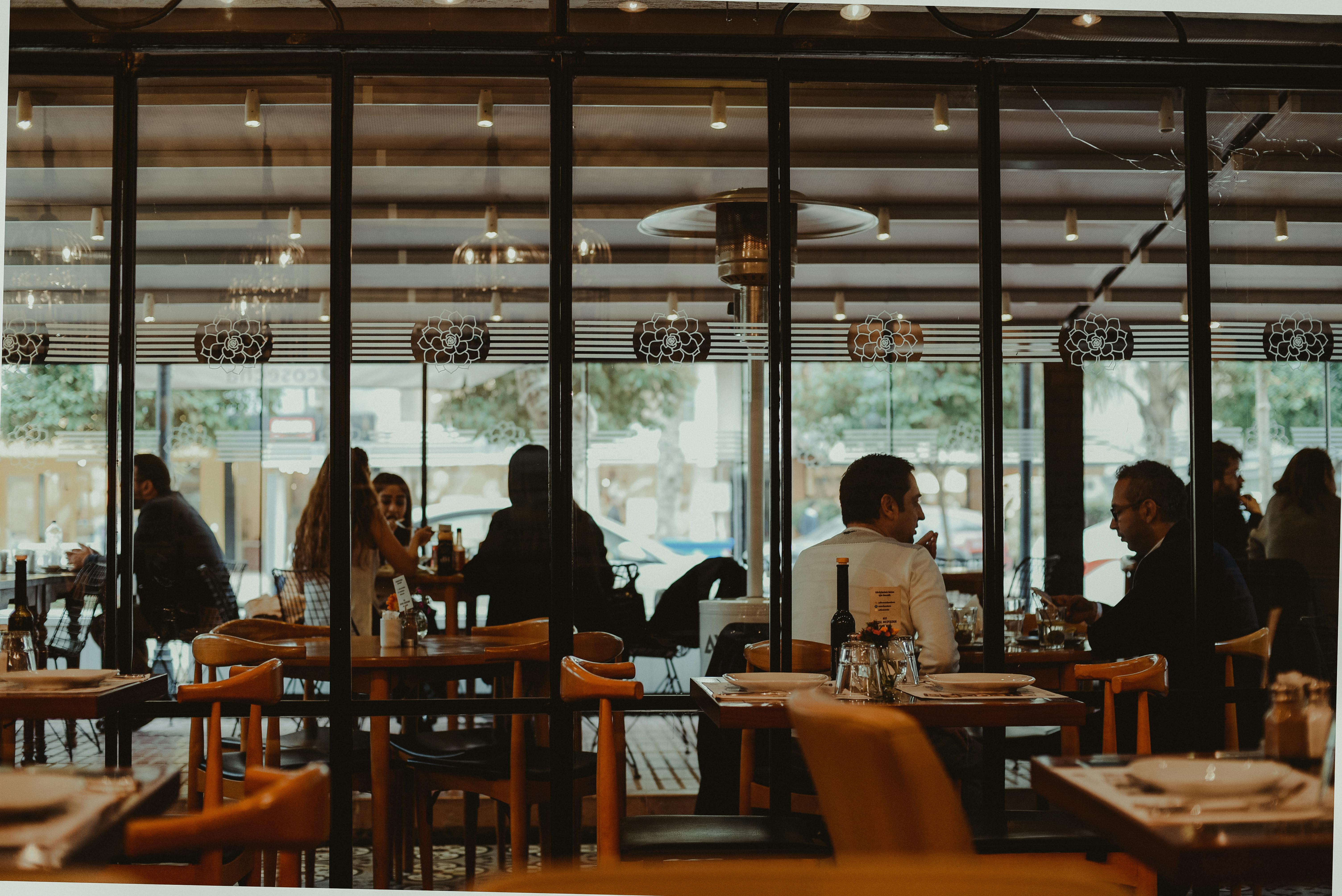
From the first dish to a printed QR code.
How it works
Create your restaurant
Pick a name, currency and brand colour. Done.
Add categories and dishes
Type once in your language and let AI draft the other languages. You approve them.
Print your QR code
Download a sharp, printable PNG and put it on every table.
Update anytime
Hide a sold-out dish, change a price or add a special. It all goes live instantly.
Priced per branch, in riyals.
No setup fee and no cut of your card payments. Every new account starts with 14 days of Pro, no card needed.
Frequently asked questions
What is a digital menu?
A digital menu is a restaurant menu that guests open on their own phone, usually by scanning a QR code on the table. The restaurant edits it online, so prices, dishes and availability stay current.
How does a QR code restaurant menu work?
You print the QR code for your restaurant or branch and place it on tables, at the counter or on takeaway packaging. Guests scan it with their phone camera and the menu opens in the browser. The code points to your live menu, so changes appear without reprinting.
Do customers need to install an app?
No. The menu opens in the phone's web browser after scanning the QR code. There is nothing to download.
Can I update prices after printing the QR code?
Yes. The QR code stays the same. Change a price in your dashboard and guests see the new price the next time they open or refresh the menu.
Can I hide unavailable items?
Yes. Mark a dish as unavailable when it sells out and guests won't see it until you switch it back on.
Does the menu work on iPhone and Android?
Yes. It works in any modern phone browser, including Safari on iPhone and Chrome on Android.
Can restaurants use their own branding?
Yes. Add your logo and choose a brand colour, and the guest menu uses them.
Can the menu support multiple languages?
Yes. Menus can be shown in English, Arabic (laid out right to left) and Turkish. AI drafts the translations and your staff approve them before guests see them.
Can guests order and pay from the menu?
Yes, where the restaurant turns it on. Guests can place table or takeaway orders from the QR menu and pay online by card, Apple Pay or Google Pay through Tap. Orders go to the restaurant's POS and kitchen screen.
Print one QR code. Keep the menu current.
Build your menu, print the QR code and start taking orders. Every new account starts with a free Pro trial, no card needed.
Create your digital menu